By photographers, for photographers · Offline · No account

Curate your feed like a gallery wall.

Arrange your profile, design carousels and frames, draft captions, then hand each post to Instagram. No Instagram login. No subscription.

Download on the App Store Pay onceno subscription
Loved by creatives

iPhone only. On-device captions use Apple Intelligence on supported models.

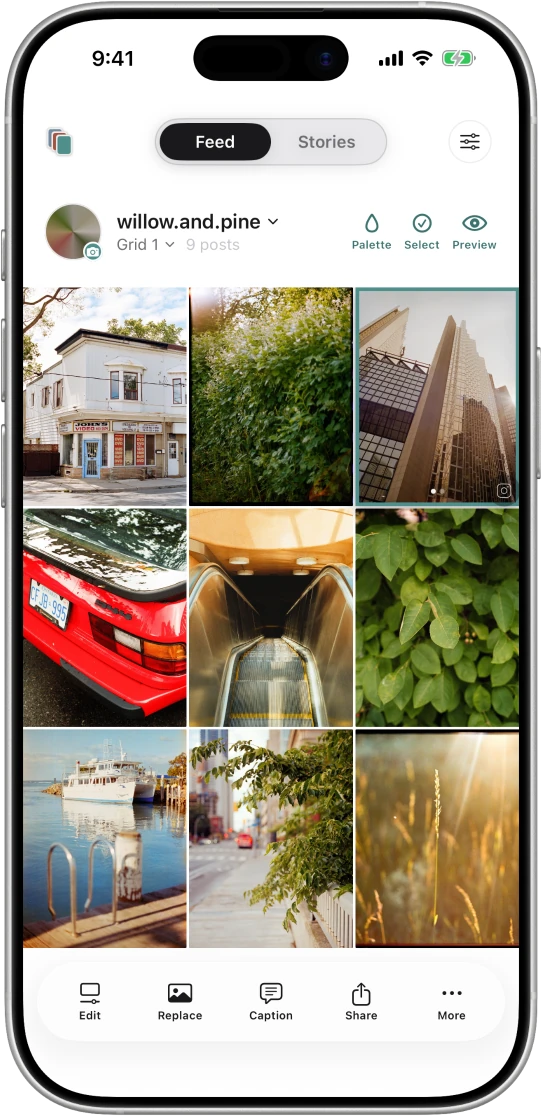
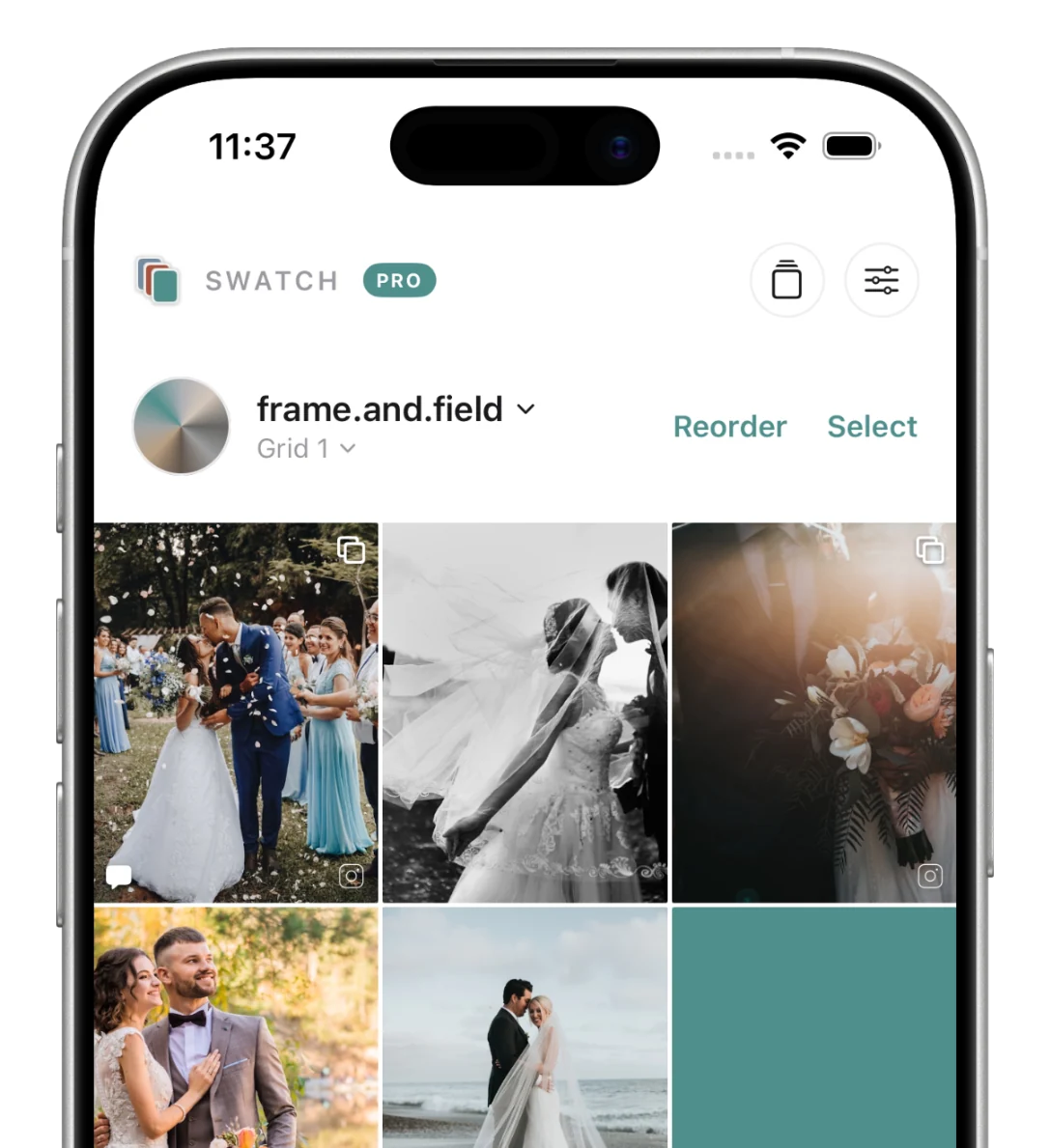
The Swatch grid planner on iPhone, a wedding feed in progress
Works fully offline
No Instagram login
Multiple accounts & grids
Free to download
Sound familiar?

You post one photo, then hope the whole grid still holds together.

So you reshuffle, delete, repost. And it still feels off. A profile is a composition, not a pile of posts. Swatch lets you see the whole grid before a single photo goes live.

How it works

Plan, design, post.

One quiet workflow, from a blank grid to a feed that's ready to publish by hand.

1

Plan

Drag photos, videos and colour placeholders into a 3:4 grid, switch between accounts, and read the whole palette at a glance with the colour map.

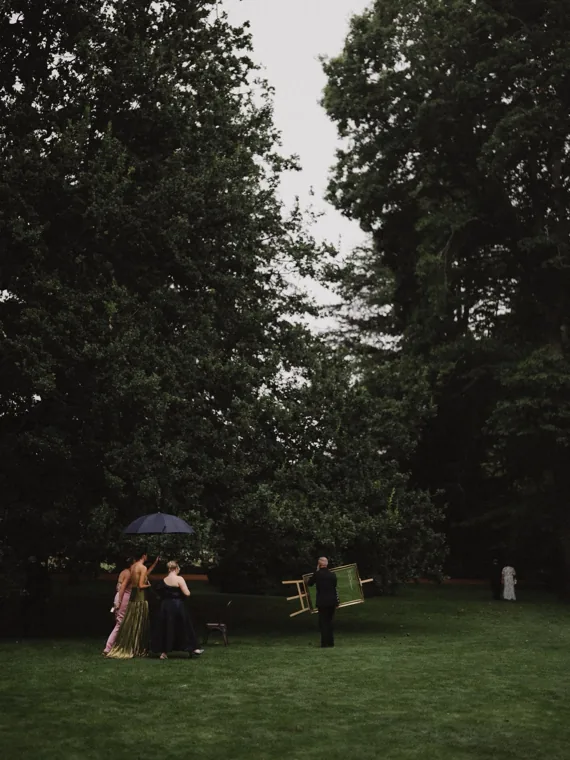
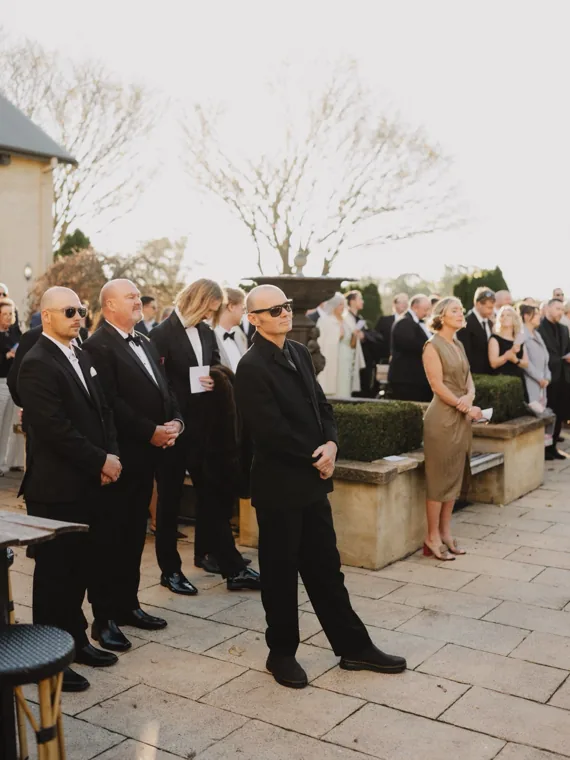
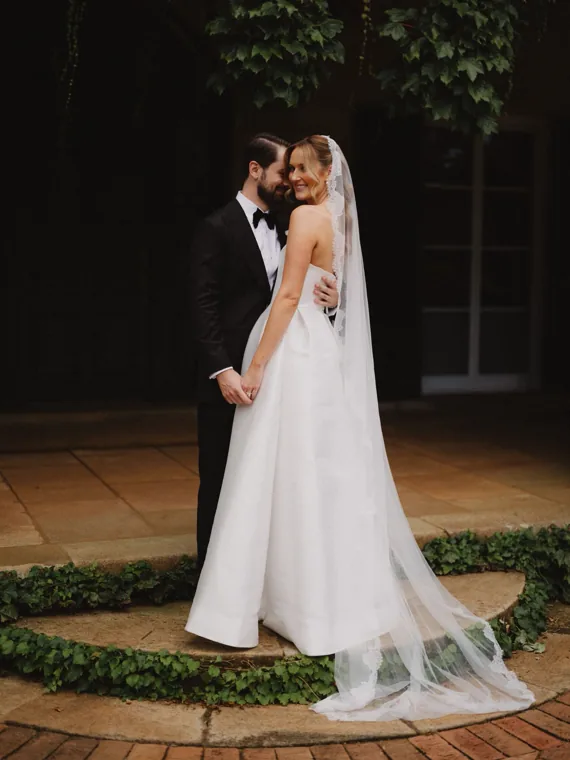
The Swatch grid planner with a wedding feed in progress
2

Design

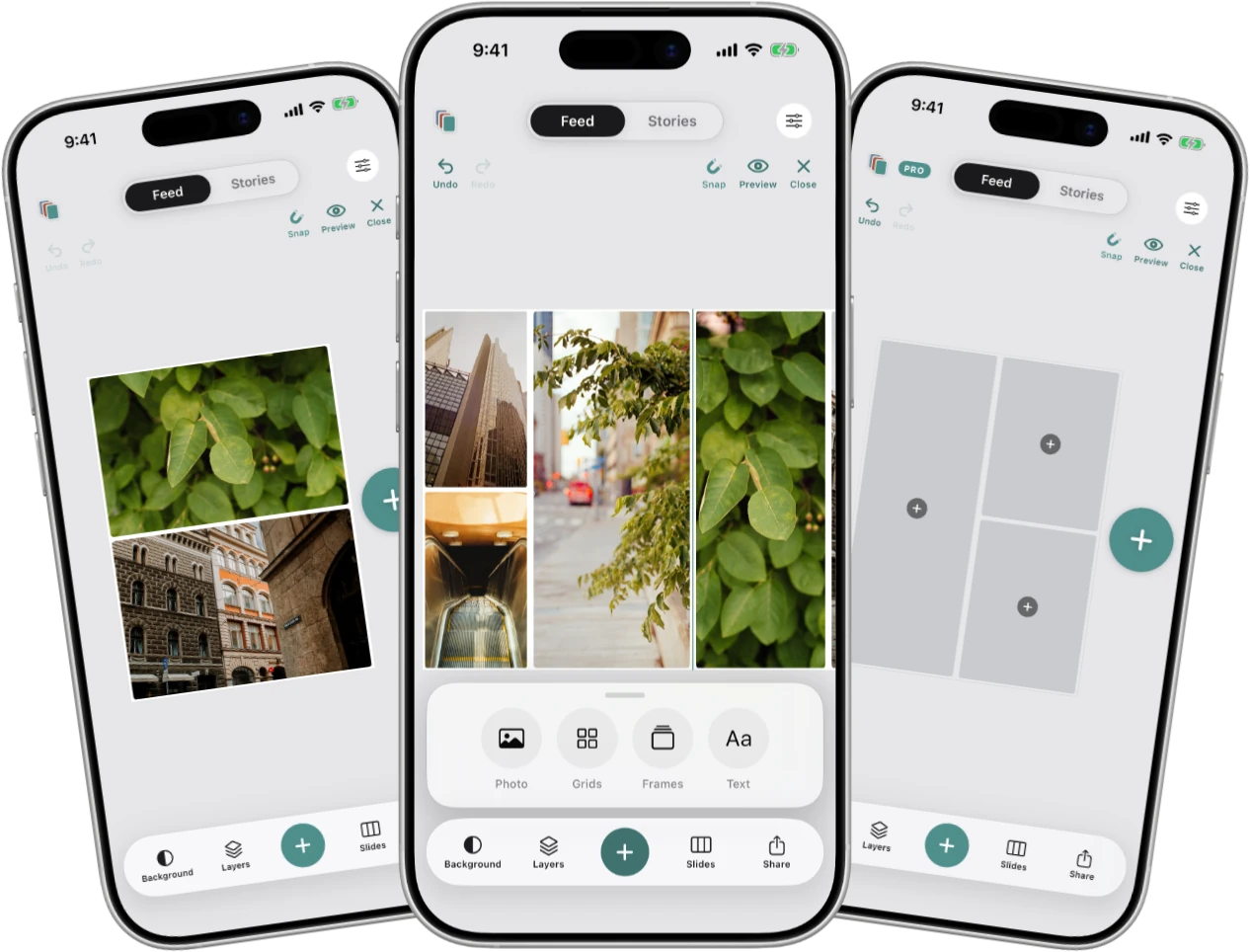
Build carousels, frame photos in white or a palette colour, reposition inside the frame, and draft captions on-device, one post at a time.

Designing a carousel in Swatch with frame options
3

Post

Export the grid image or a numbered shot list, post each one in the Instagram app yourself, then tap a tile to mark it posted and watch your progress.

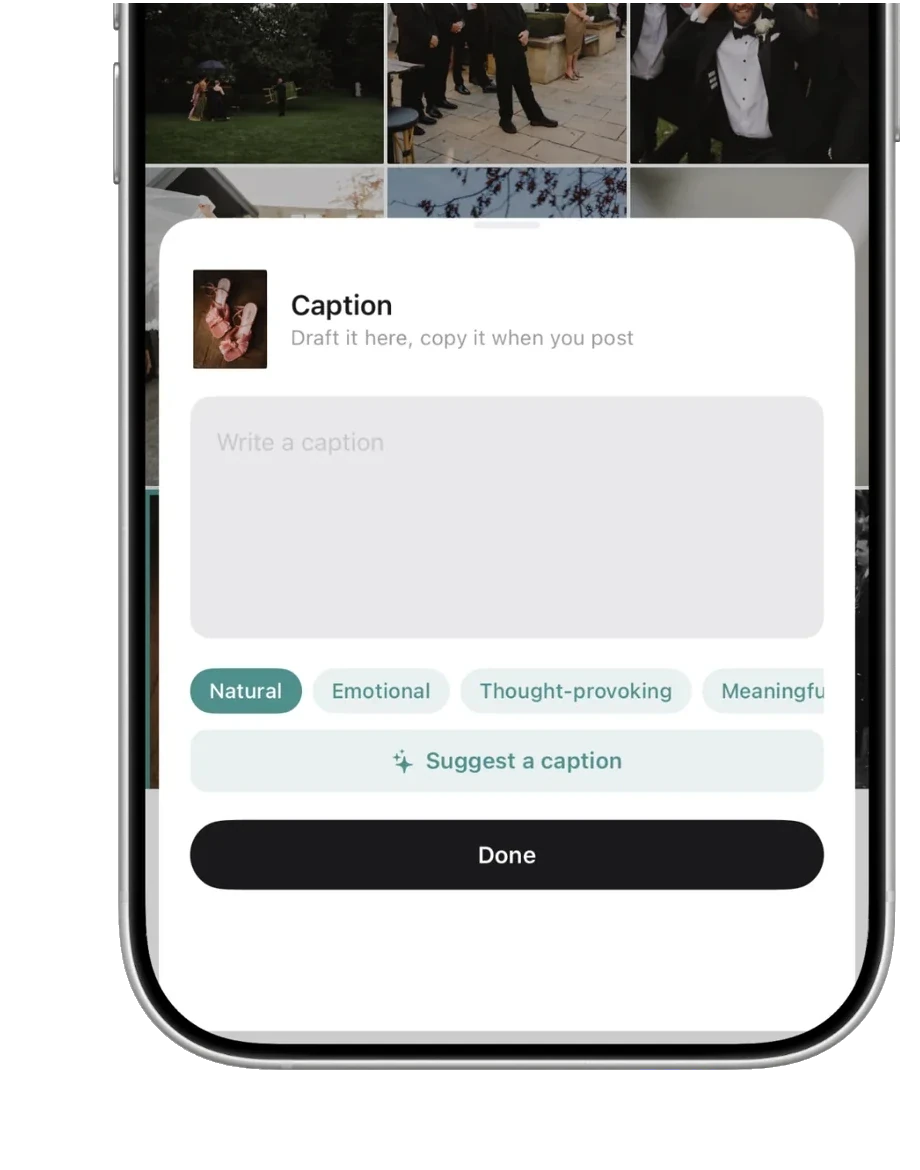
Drafting a caption on-device in Swatch
Plan with colour

See the palette before you post.

Block out a feed's colour story with palettes, so the whole rhythm reads before the photos exist.

Three Swatch grids, each planned with a different colour palette: sage, slate and terracotta
What it does

Plan the feed, not just the post.

Plan across every account, design carousels and frames in the app, and read a grid's whole palette at a glance. Every feature earns its place, and it's all the work of photographers who post for a living.

Plan multiple feeds

Keep a grid for each account, season or launch. Switch between them, drag tiles to reorder, and watch every profile take shape side by side.

Read colour at a glance

Drop in colour placeholders to set a feed's rhythm before the photos exist, then let the colour map collapse every image to its dominant tone so the whole palette reads in one look.

Design carousels in-app

Add slides, reorder them, and frame each one: white or palette-coloured borders, plus a Fit letterbox for landscapes. Apply a look to every slide in one tap, then export the set in order.

Frame it like a print

Wrap any photo in an Unfold-style border, white or pulled from your palette, and reposition inside the frame. The crop and border bake straight into the export.

Captions, on your device

On-device intelligence reads the photo and suggests captions in a tone you choose, or rewrites your own in a tap. Nothing leaves your phone, and there's no cloud account.

Mark as posted

Tap a tile's corner once it's live and Swatch flags it as posted, so you can see what's already published and what's still to come without leaving the grid.

The difference

Other planners are subscriptions. This one isn't.

The big planners grew into scheduling suites that live in the cloud and bill monthly. Swatch stayed a tool.

Swatch
Subscription planners
Cost
$8.99 once
$11–23 / month, forever
Your grids live
On your device
On their servers
Account
None
Login required
Works offline
Always
Needs a connection
Built to
Compose the grid
Schedule, analyse, automate
Captions
Written on-device
Cloud AI

What Swatch leaves out is the point. When the feed looks right, export a grid image or a numbered shot list and post by hand.

No auto-posting No scheduling No analytics No ads or trackers
Why we built it

Made by photographers, for photographers.

Swatch comes from PaperCloud. We're photographers who plan our own feeds, and we were tired of renting a planner by the month and handing unpublished work to someone else's servers just to arrange a grid. So we built the tool we wanted: private, offline, and yours to keep for one payment. The 3:4 grid, the colour map, the print-style frames, all of it comes from planning real shoots.

What photographers say.

Early users on planning their feeds with Swatch.

I used to post one photo and hope the grid still worked. Now the whole month is laid out before anything goes live.
SarahWedding photographer
Being able to quickly add placeholders one after the other is so good. I block out a launch in colour before we've shot a single product.
BlakeBrand & lifestyle
No account, no subscription, and my photos never leave my phone. It does the one thing I needed and nothing else.
TrentTravel photographer
Pricing

Subscription planners cost $228 a year.
Swatch costs $8.99. Once.

One payment. Yours forever.

$11–23 / month elsewhere
$8.99 One time
Plan my first grid free

No subscriptions. No accounts. Just you and your grids.

Good to know

Questions, answered.

The things photographers ask before they swatch.

Does the grid match Instagram's real proportions?

Yes. Swatch lays tiles out in Instagram's current 3:4 portrait crop, so the grid you plan is the grid you'll see on your profile.

Do I need an Instagram login?

No. Swatch never connects to Instagram. You plan privately, then post from the Instagram app yourself when you're ready.

Can I export my plan to post by hand?

Yes. Export the grid as a single image, or a numbered shot list to follow while you post by hand.

Is it really a one-time payment?

Yes. $8.99 once unlocks Pro for good, including offline. No subscription, no renewals, no surprise charges.

Can I design carousels in the app?

Yes. Add and reorder slides, frame each one in white or a palette colour, letterbox a landscape to Fit, and apply one look across the set. Export the slides in order, ready to post by hand.

Do the caption suggestions send my photos anywhere?

No. Captions are generated on your device with Apple Intelligence, on supported iPhones. Your photos and words never leave your phone, and there's no account or cloud.

Read the full FAQ →

Curate your next feed.

Free to download. $8.99 once for unlimited grids and accounts.

Download on the App Store

iPhone only. On-device captions use Apple Intelligence on supported models.